






Table of Contents
Calculating payroll taxes is an essential part of managing employee payments. Businesses must account for applicable taxes, deductions, payroll tax calculator and employer contributions to ensure employees receive accurate wages and payroll records remain organized. A payroll tax calculator makes this process easier by estimating the taxes associated with employee earnings.
Whether you operate a small business, manage an HR department, or want to understand your paycheck, learning how payroll tax calculators work can help you make better financial decisions. This guide explains payroll tax calculations, important features, common deductions, and how to use a calculator effectively.
What Is a Payroll Tax Calculator?
A payroll tax calculator is a tool that estimates taxes and other payroll-related deductions based on an employee’s earnings and relevant tax information.
Depending on the calculator, users may enter details such as:
- Gross salary or hourly wages
- Pay frequency
- Tax jurisdiction
- Employee tax status
- Applicable allowances or benefits
- Other relevant deductions
The calculator uses the information provided and its programmed tax rules to estimate payroll deductions and take-home pay.
Payroll tax calculators are useful for employees who want to understand their expected paycheck and employers who need help estimating payroll costs.
How Does a Payroll Tax Calculator Work?
A payroll tax calculator processes earnings information and applies relevant tax rates, thresholds, and deduction rules.
A typical calculation follows these steps:
1. Enter Gross Earnings
Gross pay is the total amount an employee earns before taxes and deductions. It may include basic salary, hourly wages, overtime, bonuses, and other taxable compensation.
2. Select the Pay Frequency
The user selects how often the employee receives payment, such as weekly, biweekly, semimonthly, or monthly.
Pay frequency matters because some tax systems calculate withholding based on individual pay periods.
3. Provide Tax Information
The calculator may request information about the employee’s location, tax status, and other details that affect tax calculations.
The required information depends on the country and the calculator being used.
4. Apply Applicable Taxes and Deductions
The tool estimates relevant payroll taxes, statutory contributions, and other configured deductions.
Some calculators also account for employer contributions separately from employee deductions.
5. Calculate Net Pay
After subtracting applicable employee deductions from gross earnings, the calculator estimates the employee’s net pay.
Basic formula:
Net Pay = Gross Pay − Employee Taxes − Other Deductions
The result is an estimate rather than a guarantee of the exact amount that will appear in an employee’s bank account.
What Taxes Are Included in Payroll Calculations?
Payroll taxes vary significantly by country, state, province, and employment arrangement. A calculator should be configured for the correct jurisdiction.
Common payroll-related taxes and contributions may include:
Income Tax Withholding
Income tax is often deducted from employee earnings according to applicable tax brackets, allowances, exemptions, and withholding rules.
The amount withheld may differ from the employee’s final annual tax liability.
Social Security Contributions
Some countries require employees and employers to contribute to government social security programs. These contributions may support retirement, disability, healthcare, or other benefits.
The applicable rates and contribution limits depend on local legislation.
Medicare or Healthcare Contributions
Certain tax systems include payroll contributions that help fund public healthcare programs. For example, eligible U.S. employees and employers generally pay Medicare taxes under federal rules.
Other countries may use different healthcare funding arrangements.
Unemployment Insurance
In some jurisdictions, employers pay unemployment insurance contributions to support eligible workers who lose their jobs.
The responsibility for these payments and the applicable rates depend on local requirements.
Other Statutory Deductions
Depending on the location, payroll may include pension contributions, provident fund payments, insurance contributions, or other legally required deductions.
A payroll tax calculator should clearly identify which deductions it includes.
How to Calculate Payroll Taxes
Payroll tax calculations begin with gross earnings and continue through the applicable tax and deduction rules.
Consider a simplified example:
An employee earns $4,000 in gross monthly pay. Suppose the applicable employee taxes and deductions total $700.
The calculation would be:
- Gross monthly pay: $4,000
- Total employee deductions: $700
- Estimated net monthly pay: $3,300
This example is illustrative only. Actual payroll taxes depend on the employee’s location, tax status, income, and applicable rules.
Employers should also calculate their own payroll-related contributions separately. Employer taxes are generally business expenses and should not automatically be subtracted from an employee’s gross wages.
Employee Payroll Taxes vs. Employer Payroll Taxes
Understanding the difference between employee and employer payroll taxes is important for accurate payroll management.
| Employee Payroll Taxes | Employer Payroll Taxes |
|---|---|
| Deducted from employee earnings when required | Paid by the employer |
| Affect employee take-home pay | Increase the employer’s payroll cost |
| May include income tax withholding | May include employer social contributions |
| Shown in employee payroll records | Recorded as business expenses |
Some payroll contributions are shared between employers and employees, while others are paid by only one party. The exact arrangement depends on local law.
Benefits of Using a Payroll Tax Calculator
A payroll tax calculator can make payroll planning easier for both employers and employees.
1. Saves Time
Calculating payroll deductions manually can involve multiple tax rates, thresholds, and formulas. A calculator automates much of this work.
2. Helps Estimate Take-Home Pay
Employees can use a payroll calculator to understand how taxes and deductions may affect their net salary.
3. Supports Payroll Budgeting
Employers can estimate the total cost of employee compensation, including applicable employer contributions.
4. Reduces Calculation Errors
Automated calculations can reduce mistakes caused by manual data entry or incorrect arithmetic. However, accurate results still depend on correct information and updated tax rules.
5. Improves Financial Planning
Knowing estimated net pay and payroll expenses can help employees plan personal budgets and businesses manage cash flow.
How to Choose the Right Payroll Tax Calculator
Not every payroll calculator supports the same tax systems or features. Before using one, consider the following factors.
Check Tax Jurisdiction
Choose a calculator designed for the country or region where the employee works. Tax rates and payroll requirements differ across jurisdictions.
Review Tax Year Information
Tax thresholds, contribution limits, and withholding rules may change. Make sure the calculator uses the correct tax year.
Confirm Pay Frequency Options
The tool should support the employee’s actual payment schedule, whether weekly, biweekly, semimonthly, or monthly.
Look for Clear Results
A useful payroll tax calculator should show gross earnings, individual deductions, estimated net pay, and any relevant employer contributions separately.
Protect Personal Information
Avoid entering sensitive financial or identity information into unfamiliar websites. Review the calculator provider’s privacy and security practices.
Common Payroll Tax Calculation Mistakes
Even with a calculator, incorrect information can produce misleading results.
Common mistakes include:
- Entering net pay instead of gross pay.
- Selecting the wrong tax jurisdiction.
- Using outdated tax rates.
- Choosing an incorrect pay frequency.
- Forgetting taxable bonuses or overtime.
- Confusing employee deductions with employer contributions.
- Treating estimated withholding as final annual tax liability.
Reviewing the inputs and checking the calculator’s assumptions can help prevent these problems.
Payroll Tax Calculators for Small Businesses
Small businesses often have limited time and resources for payroll administration. A payroll tax calculator can help owners estimate employee deductions and understand the financial impact of hiring additional staff.
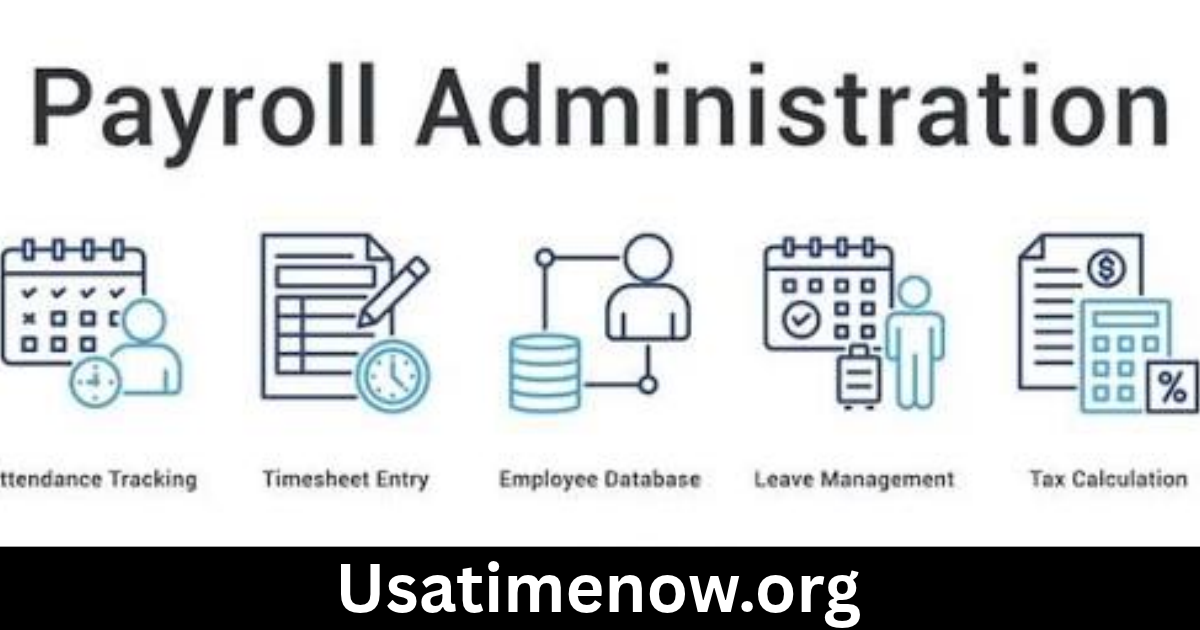
However, a calculator is not a complete payroll management system. Businesses may also need tools for salary processing, tax reporting, employee records, attendance tracking, and statutory payments.
For businesses operating in Pakistan, payroll calculations should reflect applicable Federal Board of Revenue requirements and relevant provincial or other statutory contributions where applicable. Employers should use current local guidance or professional advice rather than relying on a calculator designed for another country.
Frequently Asked Questions (FAQs)
1. What does a payroll tax calculator do?
A payroll tax calculator estimates taxes and deductions based on gross earnings, pay frequency, and applicable tax rules. It can also estimate an employee’s take-home pay.
2. Is a payroll tax calculator accurate?
A calculator can provide useful estimates when it uses current tax rules and receives accurate information. Actual deductions may differ because of individual circumstances, adjustments, or employer payroll policies.
3. How do I calculate payroll tax from gross pay?
Start with gross earnings, identify the applicable tax rates and statutory contributions, calculate required employee deductions, and subtract them from gross pay to estimate net pay.
4. What is the difference between gross pay and net pay?
Gross pay is an employee’s total earnings before deductions. Net pay is the amount remaining after applicable taxes and other deductions.
5. Do employers pay payroll taxes too?
Yes. In many countries, employers have separate payroll tax and statutory contribution responsibilities. These costs are generally separate from employee deductions.
6. Can I use a payroll tax calculator for biweekly pay?
Yes. Many calculators support biweekly payroll. Select the correct pay frequency and enter the gross earnings for the relevant two-week period.
7. Is a payroll tax calculator free?
Many websites provide free basic payroll tax calculators. Some advanced payroll platforms include additional features, such as tax reporting, employee records, and automated salary processing, through paid subscriptions.
Conclusion
A payroll tax calculator is a useful tool for estimating employee deductions, understanding take-home pay, and planning business payroll expenses. payroll tax calculator By entering accurate salary information, selecting the correct pay frequency, and using current tax rules, users can get a clearer picture of payroll costs. However, payroll tax calculations depend on local laws and individual circumstances. Employees and employers should verify important figures against official tax guidance and maintain accurate payroll records. When combined with reliable payroll software and regular reviews, a payroll tax calculator can make payroll management more organized and efficient.