






Table of Contents
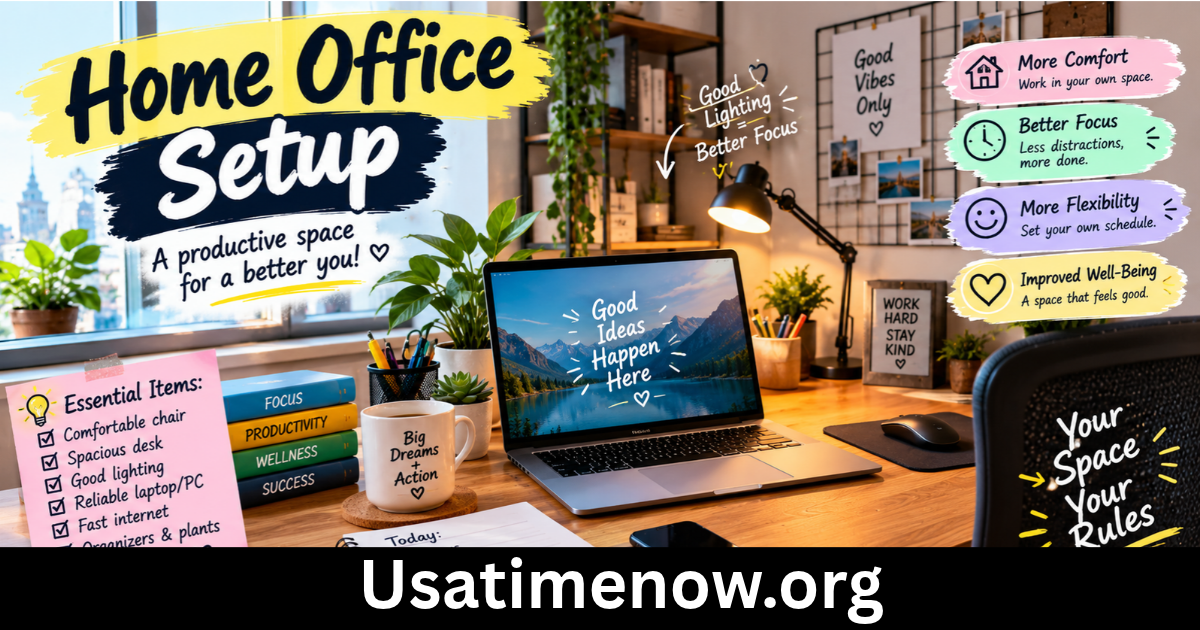
A well-planned home office setup can make working remotely more comfortable, organized, and productive. Whether you work from home full-time, manage a freelance business, home office setup or occasionally complete office tasks remotely, your workspace can influence your concentration, efficiency, and daily routine.
An effective home office does not need expensive furniture or a large room. With the right desk, comfortable chair, reliable technology, suitable lighting, and organized storage, you can create a practical workspace that supports your professional goals. A thoughtful setup can also help you manage productivity time, reduce distractions, and maintain a healthier balance between work and personal life.
What Is a Home Office Setup?
A home office setup is the arrangement of furniture, equipment, technology, and other resources used to work from home. It may include a desk, chair, computer, monitor, keyboard, internet connection, lighting, and storage solutions.
The ideal setup depends on your job, available space, budget, and personal preferences. Someone who spends hours writing or managing spreadsheets may benefit from a larger monitor and an ergonomic chair. A graphic designer may need a color-accurate display, while a virtual assistant might prioritize a reliable headset and an organized desk.
The main objective is to create a workspace that supports concentration, comfort, and efficient task completion without unnecessary expense.
7 Powerful Home Office Setup Ideas
1. Choose a Comfortable and Functional Desk
Your desk is the foundation of your home office setup. It should provide enough room for your computer, keyboard, mouse, documents, and other essential equipment without making the workspace feel crowded.
Before buying a desk, measure the available area and consider how you will use it. A compact desk may suit a small bedroom or apartment, while a larger surface can help people who work with multiple monitors or physical documents.
Keep frequently used items within easy reach and remove objects that do not support your work. A clear desk makes it easier to find what you need and reduces unnecessary interruptions.
If your budget allows, consider an adjustable-height desk that lets you alternate between sitting and standing. However, an ordinary desk can work well when arranged at a suitable height.
2. Invest in an Ergonomic Office Chair
A comfortable chair is important if your job involves extended periods of sitting. An unsuitable chair can contribute to discomfort and make it harder to concentrate throughout the day.
Look for a chair with adjustable seat height, supportive backrest, and appropriate lumbar support. Your feet should rest comfortably on the floor or a footrest, while your shoulders remain relaxed.
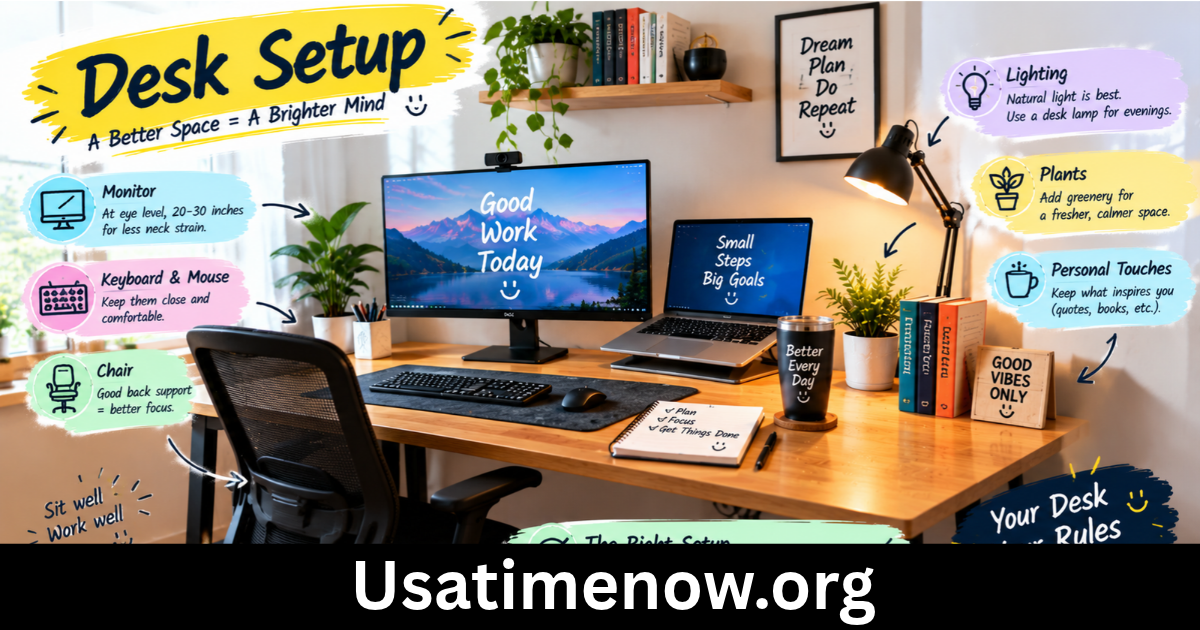
Adjust your workstation so that your elbows are near your sides and your forearms are approximately parallel to the floor when typing. Position your monitor so you can look at it comfortably without repeatedly bending your neck.
Even with an ergonomic chair, avoid remaining in one position for too long. Regular movement and short breaks can help reduce stiffness and improve comfort.
3. Improve Lighting and Monitor Placement
Lighting plays an important role in creating a pleasant and functional workspace. Whenever possible, position your desk near a window to benefit from natural daylight without allowing glare to fall directly on your screen.
If natural light is limited, use a suitable desk lamp or room lighting that illuminates your work area evenly. Adjust the light source and monitor position to reduce reflections and eye strain.
Place your monitor directly in front of you at a comfortable viewing distance. For many people, positioning the top of the screen at or slightly below eye level is a useful starting point, although the best position depends on the display and individual comfort.
If you regularly work with printed documents, consider a document holder to reduce repeated head and eye movements.
4. Build a Reliable Technology Setup
Reliable technology helps remote employees attend meetings, complete projects, and communicate with colleagues without unnecessary delays.
Start with a computer that can comfortably handle your daily applications. If your work involves spreadsheets, writing, and video calls, a standard business laptop may be sufficient. More demanding tasks, such as video editing or software development, may require additional processing power or memory.
A stable internet connection is also essential. If your Wi-Fi signal is weak, consider moving closer to the router or using an appropriate wired connection.
Other useful equipment may include:
- An external monitor for improved screen space
- A separate keyboard and mouse
- A headset for clearer calls
- A webcam for virtual meetings
- A surge protector or suitable backup power solution
- An external drive or approved cloud storage for backups
Choose equipment based on your actual needs rather than purchasing every available accessory.
5. Organize Your Workspace and Storage
An organized home office makes it easier to locate documents, manage supplies, and move between tasks efficiently.
Use drawers, shelves, document trays, or small storage containers to keep essential items organized. Store frequently used supplies nearby and move rarely used items out of your immediate workspace.
Digital organization matters just as much as physical storage. Create clearly named folders, organize project files, and use a consistent system for documents and meeting notes.
Cable management can also make a workspace safer and tidier. Use clips or cable organizers to keep cords from tangling around your feet or interfering with equipment.
Review your workspace regularly and remove unnecessary items. A simple organizational routine can save time over the course of a busy workweek.
6. Reduce Noise and Distractions
A productive home office setup should help you focus on important tasks. Household activities, television, notifications, and background noise can interrupt concentration.
If possible, choose a quieter area of your home and communicate your working hours to other household members. A door, room divider, or designated desk can help create a clearer boundary between professional and personal activities.
Noise-reducing headphones may be useful in shared spaces, especially during virtual meetings. You can also silence nonessential notifications and check messages at planned intervals.
Not everyone has a separate room for working. A small corner with consistent lighting, a comfortable chair, and organized equipment can still function as an effective workspace.
7. Personalize Your Office for Better Productivity Time
Your workspace should be practical, but it should also feel comfortable enough to use every day. A few personal touches can make your home office more inviting without creating clutter.
Consider adding a plant, a simple piece of artwork, a calendar, or a small board for priorities. Choose colors and decorations that suit your preferences while allowing you to concentrate.
Build productivity habits into the setup. Keep a notebook nearby for quick notes, use a calendar to track deadlines, and prepare your most important materials before starting work.
You can also create a simple start-of-day routine, such as clearing the desk, reviewing your task list, and checking your schedule. These small habits help you transition into work mode and use your productivity time more intentionally.
How to Set Up a Home Office on a Budget
Creating an effective home office does not require a major financial investment. Begin with the equipment you already own and upgrade the items that make the biggest difference to comfort and performance.
Choose a stable desk and a chair that supports your body comfortably. If a dedicated office chair is not affordable, improve your current seating arrangement where possible and use a suitable footrest if needed.
Make use of natural light, organize existing storage containers, and reuse accessories that are in good condition. A laptop stand or external keyboard may be worthwhile if they improve your posture and working comfort.
Before purchasing new technology, identify a specific problem you want to solve. For example, a second monitor may help if you regularly compare documents, while a headset may be more valuable if you spend much of the day on calls.
Prioritize essential improvements instead of buying equipment simply because it is popular.
How to Improve Productivity Time While Working From Home
A good workspace supports productivity, but your daily habits also matter.
Begin each day by identifying your most important tasks and estimating how long they will take. Divide large projects into smaller steps and schedule demanding work during periods when you can concentrate best.
Use a calendar or task management application to organize meetings, deadlines, and follow-up activities. Turn off unnecessary notifications during focused work periods and take short breaks between demanding tasks.
Set clear working hours and establish a routine for ending the day. This helps prevent work from spreading into personal time and makes it easier to maintain a sustainable schedule.
Finally, review your setup every few weeks. If you experience discomfort, frequent distractions, or recurring technical problems, make small adjustments. Continuous improvement can make your workspace more effective without requiring a complete redesign.
Common Home Office Setup Mistakes to Avoid
Several common mistakes can make working from home less comfortable and productive.
Using an unsuitable chair: Poor seating can cause discomfort during long work sessions. Adjust your chair and workstation to support a comfortable posture.
Ignoring lighting: Glare, dim lighting, or strong reflections can make screen work uncomfortable. Adjust your desk position and lighting as needed.
Buying unnecessary equipment: Expensive accessories do not automatically improve performance. Focus on the items that address your actual needs.
Allowing clutter to build up: Excessive objects and disorganized files make it harder to find essential materials. Schedule regular cleanup sessions.
Working without breaks: Remaining seated for hours can contribute to fatigue and stiffness. Stand, stretch, or move around regularly.
Failing to protect work boundaries: Working in a shared space without a routine can blur the line between professional and personal responsibilities. Establish consistent working hours and a designated workspace where possible.
Frequently Asked Questions About Home Office Setup
1. What do I need for a basic home office setup?
A basic setup usually includes a suitable desk, comfortable chair, computer, reliable internet connection, appropriate lighting, and any tools required for your job.
2. How can I create a home office in a small room?
Use a compact desk, vertical storage, cable organizers, and a dedicated corner. Keep only essential items on the desk and choose equipment that fits the available space.
3. Is an external monitor necessary for working from home?
No. Many people can work effectively with a laptop screen. An external monitor may improve convenience for tasks that involve multiple documents, spreadsheets, or applications.
4. How can I improve productivity time in my home office?
Organize your workspace, set daily priorities, limit distractions, use scheduling tools, and take regular breaks. A consistent routine can help you focus on important tasks.
5. What is the best lighting for a home office?
Natural daylight is useful when it does not create glare. Combine it with suitable room lighting or a desk lamp to illuminate your workspace comfortably.
6. How much should I spend on a home office setup?
The cost depends on your job requirements and existing equipment. Start with essential items and upgrade gradually based on comfort, reliability, and productivity needs.
7. How often should I take breaks when working from home?
Take regular short breaks throughout the day and change positions frequently. The ideal schedule depends on your workload and personal needs, but avoid remaining in one posture for extended periods.
Conclusion
A thoughtful home office setup can make remote work more comfortable, organized, and efficient. By choosing a suitable desk and chair, improving lighting, arranging reliable technology, home office setup and reducing distractions, you can create a workspace that supports your professional responsibilities.