





Table of Contents
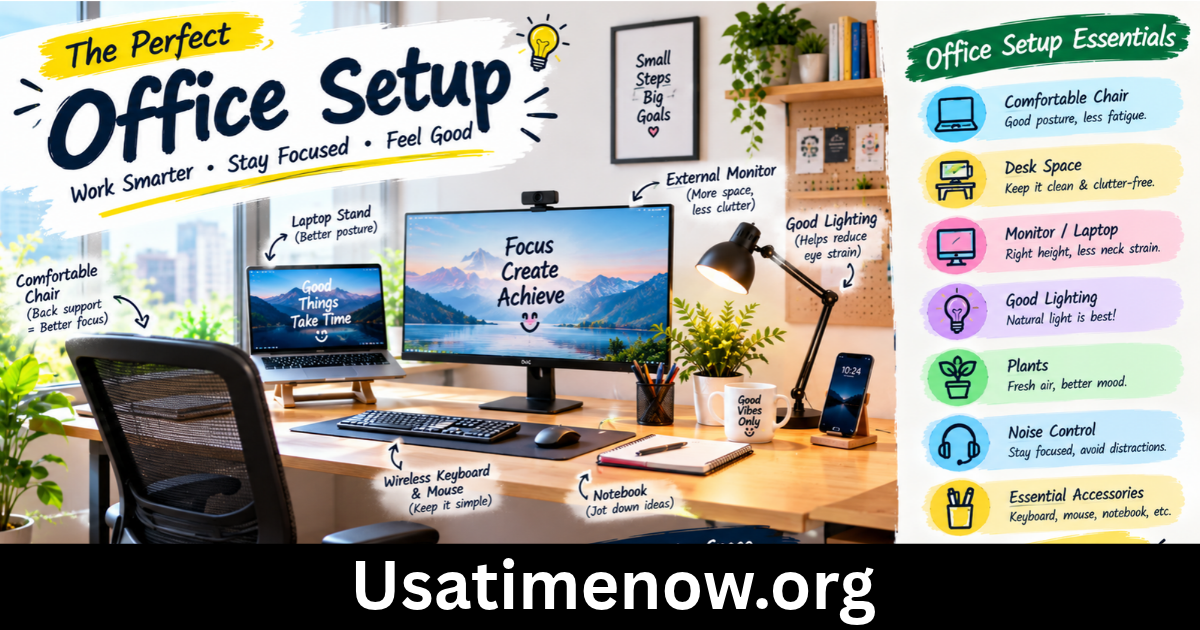
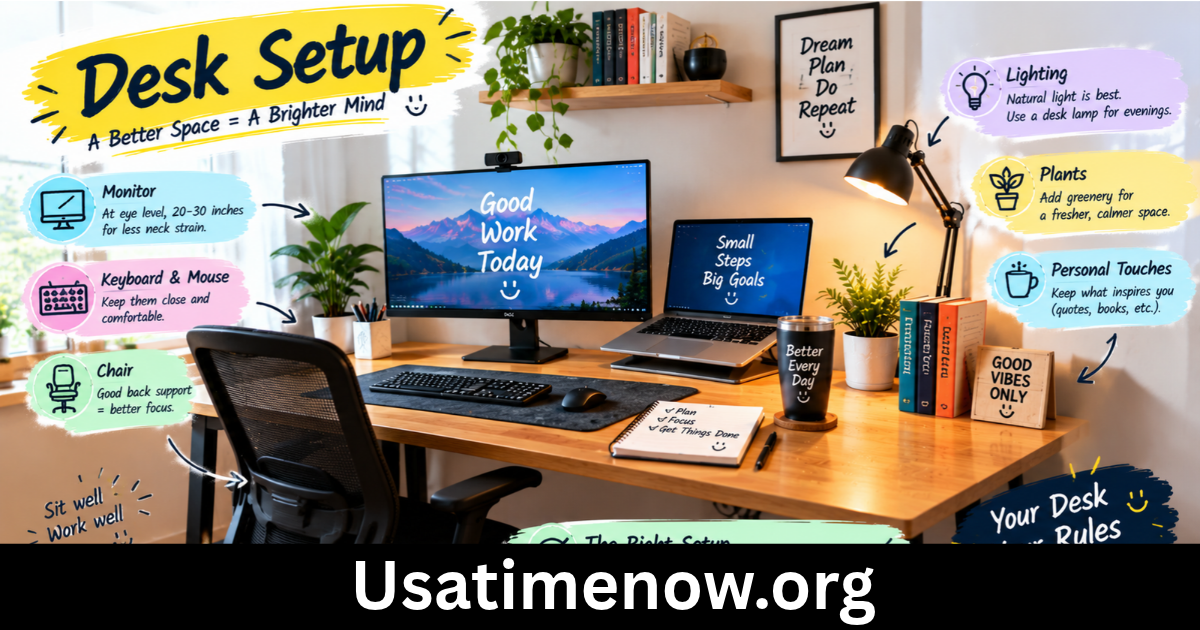
A well-organized desk setup can make a significant difference in productivity, comfort, and concentration. Whether you work from home, manage an office, study online, or run a business, your workspace should support your daily tasks without creating unnecessary distractions. A practical desk setup combines comfortable furniture, suitable lighting, useful accessories, and an organized layout to help you work more efficiently.
Creating an effective desk setup does not require expensive equipment or a large room. With a few thoughtful changes, you can build a workspace that improves your focus, supports better posture, and helps you manage productivity time more effectively.
1. Choose the Right Desk and Chair
The foundation of a productive workspace is a desk and chair that suit your needs. Your desk should provide enough room for your computer, keyboard, mouse, documents, and other essential items without feeling overcrowded.
Choose a desk height that allows you to work comfortably with your shoulders relaxed and elbows near your sides. If you use multiple monitors, make sure the desk has sufficient width and depth to accommodate them safely.
Why an Ergonomic Chair Matters
An ergonomic chair supports your back and helps you maintain a comfortable sitting position throughout the workday. Look for adjustable seat height, suitable lumbar support, and armrests that allow your shoulders to remain relaxed.
Your feet should rest flat on the floor or on a footrest, while your knees remain approximately level with your hips. A comfortable chair can reduce physical discomfort that might otherwise interrupt your concentration.
2. Position Your Monitor Correctly
Monitor placement is an important part of an efficient desk setup. A screen positioned too high, too low, or too close can contribute to neck strain and eye discomfort.
Place your monitor directly in front of you, approximately an arm’s length away as a practical starting point. The top of the screen should generally be at or slightly below eye level, although individual needs may vary.
If you use a laptop for extended periods, consider a laptop stand and a separate keyboard and mouse. This arrangement allows you to raise the screen while keeping your hands in a more comfortable working position.
For dual-monitor setups, position the primary screen directly in front of you. Arrange the secondary monitor according to how frequently you use it.
3. Improve Lighting for Better Focus
Lighting can influence visual comfort and your ability to concentrate. A workspace that is too dark may cause eye strain, while excessive glare can make screens difficult to read.
Whenever possible, place your desk near a window to benefit from natural light. Position the monitor to minimize reflections from windows and overhead lights.
A desk lamp can provide additional illumination for reading, writing, and detailed tasks. Adjustable lamps are especially useful because they allow you to direct light where it is needed.
Choose lighting that feels comfortable for your eyes and suits your work. The goal is to create a balanced environment without harsh brightness or distracting shadows.
4. Keep Your Desk Organized
A cluttered desk can make it harder to find important items and maintain attention. Organizing your workspace helps reduce unnecessary interruptions and makes everyday tasks easier.
Start by removing items you rarely use. Keep frequently needed tools, such as your keyboard, mouse, notebook, pen, and water bottle, within comfortable reach.
Use Simple Storage Solutions
Desk organizers, drawers, document trays, and small storage boxes can help keep supplies in their proper places. Cable clips and under-desk cable trays can also prevent wires from becoming tangled.
Try dividing your desk into functional areas. For example, dedicate one section to computer work and another to writing or reviewing documents. This approach can make transitions between tasks smoother.
Spend a few minutes tidying your workspace at the end of each day. A clean desk provides a fresh starting point for the next work session.
5. Use Productivity-Friendly Desk Accessories
The right desk accessories can improve workflow, but adding too many products may create more clutter than value. Focus on accessories that solve specific problems.
Useful options include:
- Monitor stand: Raises the screen to a more comfortable viewing height.
- External keyboard and mouse: Improve flexibility when using a laptop stand.
- Desk lamp: Provides focused lighting for detailed work.
- Headphones: Help reduce distractions in noisy environments.
- Cable organizer: Keeps charging and computer cables manageable.
- Notebook or planner: Helps track tasks, deadlines, and daily priorities.
- USB hub or docking station: Makes connecting compatible devices easier.
Before buying new equipment, identify what slows you down during your workday. Select accessories that address those issues rather than purchasing items simply because they look attractive.
6. Manage Productivity Time With a Clear Routine
A good desk setup supports productivity, but your daily habits are equally important. Even a beautifully organized workspace cannot compensate for unclear priorities or constant interruptions.
Begin each workday by identifying your most important tasks. Break large projects into smaller steps and estimate how much time each task may require.
Try Time Blocking
Time blocking involves assigning specific periods to different activities. For example, you might reserve the first hour for focused work, schedule meetings later in the morning, and handle emails during designated periods.
This method helps create structure and reduces the temptation to switch between unrelated tasks constantly.
You can also try the Pomodoro technique, which typically involves working for 25 minutes followed by a five-minute break. Adjust the intervals to suit your responsibilities and concentration patterns.
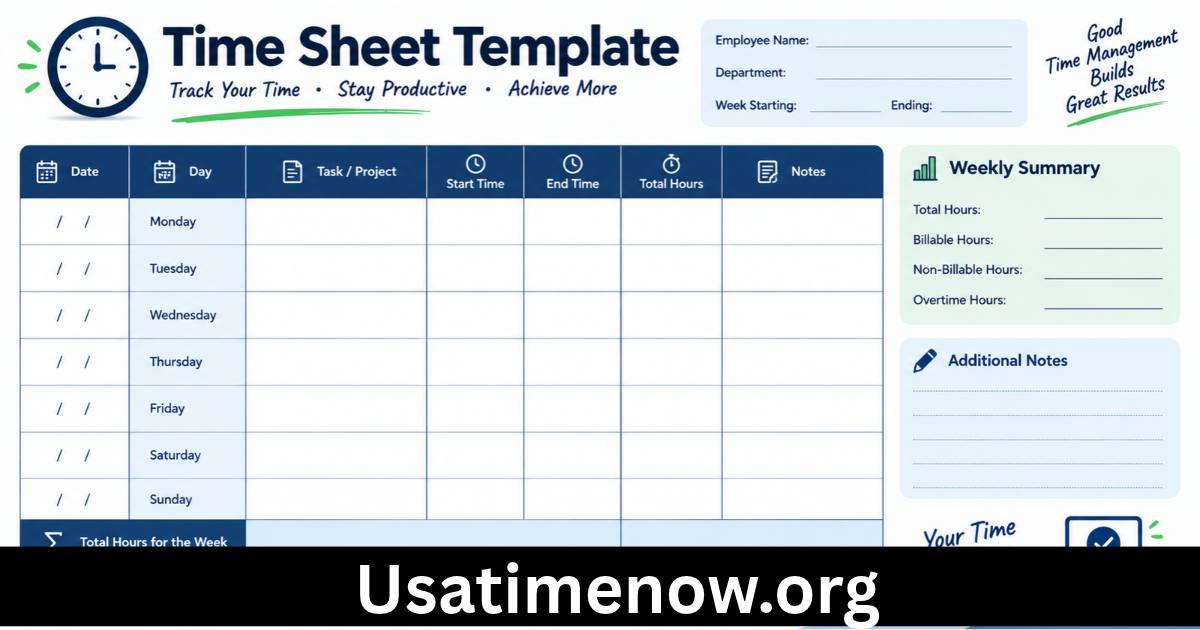
Track how long tasks actually take so you can create more realistic schedules over time. Remember that productivity means completing meaningful work efficiently, not staying busy every minute.
7. Reduce Distractions in Your Workspace
Distractions can quickly interrupt concentration and consume valuable productivity time. A practical desk setup should make it easier to focus on the task at hand.
Keep your phone out of immediate reach when it is not needed for work. Disable unnecessary notifications, close unrelated browser tabs, and use focus settings on your computer when appropriate.
If you work in a shared environment, noise-canceling headphones or a simple visual signal can help communicate when you need uninterrupted time.
Your digital workspace matters too. Organize files into clearly named folders, keep frequently used applications accessible, and remove shortcuts you no longer need.
For remote workers, establish clear boundaries between working hours and personal time. A dedicated work area, even a small one, can help create a mental separation between professional and personal activities.
8. Personalize Your Desk Without Creating Clutter
Your workspace should be functional, but it should also feel pleasant. A few personal touches can make your desk more inviting and help you enjoy spending time there.
Consider adding a small plant, a framed photograph, a simple piece of artwork, or a color scheme that you find calming. Choose decorations that fit your space and do not interfere with essential equipment.
If you enjoy listening to music while working, create a playlist that supports your concentration. Some people prefer instrumental music or background sounds, while others work best in silence.
Avoid overcrowding your desk with decorative items. The best arrangement balances personal comfort with enough clear space to complete daily tasks.
9. Consider a Standing Desk Setup
A standing desk or adjustable desk can provide more flexibility during the workday. Alternating between sitting and standing may help reduce the amount of time spent in one position.
If you use a standing desk, adjust it so your elbows remain comfortably near your sides and your wrists stay in a neutral position while typing. Keep the monitor at an appropriate height for both sitting and standing.
Standing for prolonged periods can also cause discomfort, so movement and position changes are more important than simply standing all day. Take regular walking breaks and stretch when appropriate.
You do not need expensive adjustable furniture to become more active. Short walks, posture changes, and brief movement breaks can be incorporated into many work environments.
10. Maintain Your Desk Setup Over Time
An effective desk setup should adapt to changing tasks, equipment, and work habits. Review your workspace regularly to identify what works and what needs improvement.
Check whether your chair remains comfortable, your monitor is positioned correctly, and your frequently used items are easy to reach. Remove outdated documents and unused accessories.
Pay attention to recurring problems. If you frequently lose time searching for files, improve your digital organization. If meetings interrupt focused tasks, consider setting clearer availability periods. If your desk feels uncomfortable, reassess its height and your seating position.
Small, consistent improvements often produce better results than completely redesigning your workspace every few months.
Frequently Asked Questions
1. What is the best desk setup for productivity?
The best desk setup includes a comfortable desk and chair, a properly positioned monitor, suitable lighting, organized storage, and minimal distractions. It should fit your tasks, available space, and budget.
2. How can I improve my desk setup on a budget?
Start by decluttering your desk, improving lighting, organizing cables, and adjusting your existing chair and monitor position. You can use affordable storage containers and a notebook to organize tasks before purchasing additional equipment.
3. Does a desk setup affect productivity time?
Yes. An organized and comfortable workspace can reduce time spent searching for supplies, adjusting equipment, and dealing with avoidable distractions. However, productivity also depends on planning, workload, and personal work habits.
4. How high should a computer monitor be?
As a general guideline, position the monitor so the top of the screen is at or slightly below eye level. Keep it at a comfortable viewing distance, often around an arm’s length, and adjust the arrangement to suit your vision and posture.
5. Is a standing desk better than a regular desk?
Neither option is automatically better for everyone. An adjustable standing desk offers flexibility, but a regular desk can work well when properly arranged. Changing positions and moving regularly are important regardless of desk type.
6. What should I keep on my desk?
Keep essential items such as your computer, keyboard, mouse, notebook, pen, and water bottle within easy reach. Add only the accessories that support your work, and store rarely used items elsewhere.
7. How often should I take breaks from my desk?
Take regular short breaks to stand, move, stretch, and rest your eyes. The ideal schedule depends on your work and comfort, but avoiding long periods in the same position is a useful goal.
8. How do I maintain an organized desk?
Return items to their designated places, manage cables, remove unnecessary paperwork, and tidy the desk at the end of each workday. Review your setup periodically to make sure it continues to support your needs.
Conclusion
A productive desk setup combines comfort, organization, appropriate technology, and effective time management. By choosing suitable furniture, positioning your monitor correctly, improving lighting, reducing distractions, and developing a consistent work routine, you can create a workspace that supports better concentration and more efficient work.